
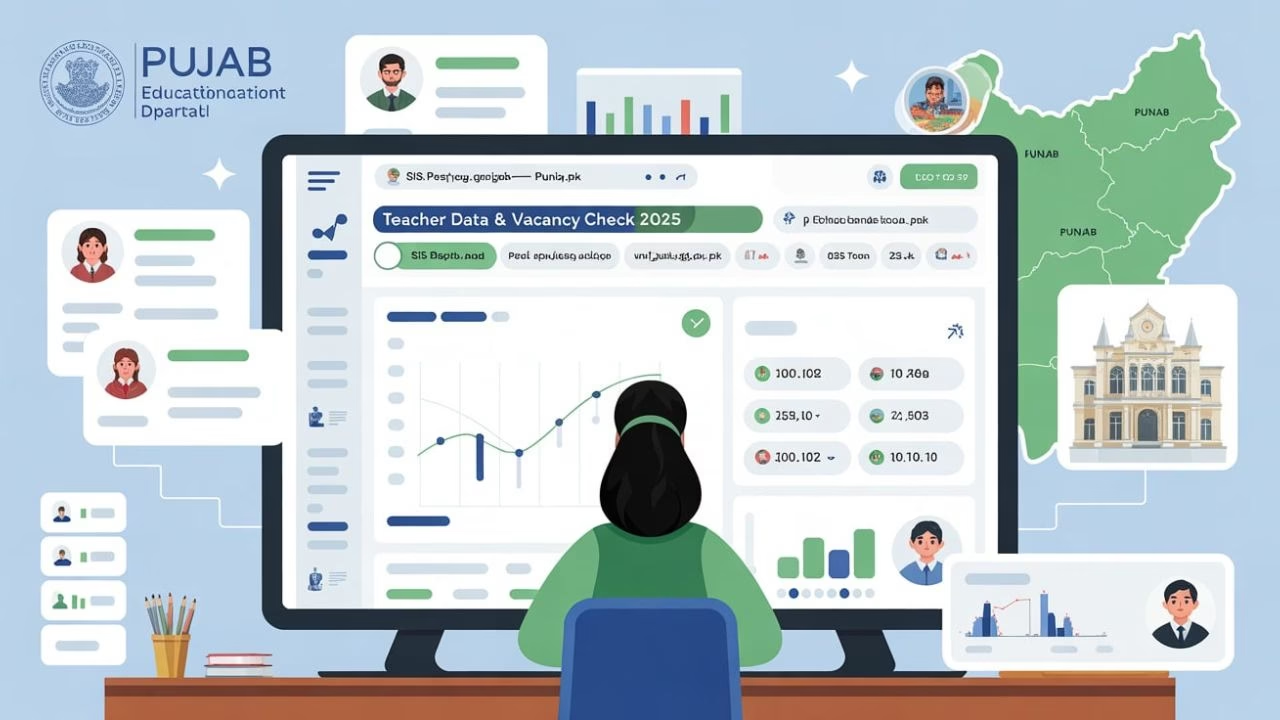
The Punjab School Education Department (SED) has officially launched the Teacher Transfer 2025 phase through the School Information System (SIS) portal — sis.pesrp.punjab.gov.pk.
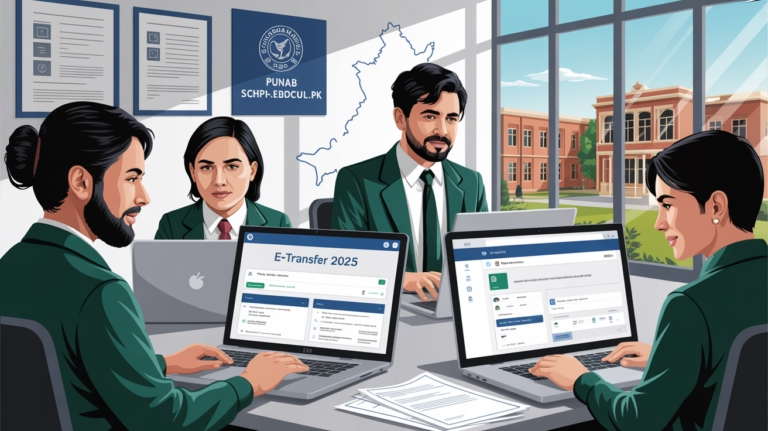
This online system enables teachers across Punjab to apply for General, Mutual, and Hardship Transfers digitally — ensuring a fully transparent, paperless, and efficient process.
Get Daily Education Updates – Join on WhatsApp
If you’re a Punjab government teacher planning to relocate, adjust your posting, or apply for a hardship transfer this year, this detailed guide will explain every step of the SIS transfer process clearly and completely.
Overview: Punjab Teacher Transfer 2025
The Teacher Transfer 2025 initiative is part of Punjab’s digital reforms under the School Education Department (SED).
It centralizes all teacher transfers through one online platform — the SIS Portal, managed by the Punjab Education Sector Reform Program (PESRP).
| Feature | Details |
|---|---|
| Portal Name | School Information System (SIS) |
| Official Website | https://sis.pesrp.edu.pk |
| Launched By | School Education Department, Government of Punjab |
| Purpose | Transparent and efficient management of teacher transfers |
Key Features of SIS Portal
- 💻 100% Online Transfer System – No manual paperwork required.
- 🏫 Live School Vacancy Data – See available seats across Punjab.
- ⚖️ Merit-Based Approvals – Ensures fair and transparent postings.
- 🔒 Secure Teacher Login – Access with unique credentials.
- 📊 Real-Time Status Tracking – Monitor application progress anytime.
Eligibility Criteria
| Category | Details |
|---|---|
| Department | School Education Department (SED) Punjab |
| Eligible Candidates | Regular Government Teachers (Male & Female) |
| Transfer Types | General, Mutual, Hardship |
| Profile Requirement | Must be complete and verified on SIS |
| Service Requirement | Minimum 1 year of service at current posting |
| CNIC & Data | Valid CNIC linked with SIS profile |
| Pending Cases | No ongoing disciplinary action or inquiry |
| Vacancy Availability | Seat must be open at desired school |
| Application Window | During official transfer phase only |
Step-by-Step Process: How to Apply on SIS Portal
Follow the official steps below to apply for your teacher transfer online:
- Visit Portal: Go to https://sis.pesrp.edu.pk
- Login: Use your registered CNIC and password.
- Verify Profile: Confirm personal details, designation, and current school.
- Open Transfer Section: Click “Teacher Transfer 2025”.
- Select Type: Choose General, Mutual, or Hardship.
- Search Vacancies: Find schools with available posts.
- Set Preferences: Select up to three preferred schools.
- Upload Documents: Attach all required files.
- Submit Application: Review and confirm before final submission.
- Print Acknowledgment Slip: Keep for record and tracking.
Important Dates & Deadlines (Tentative)
| Activity | Date / Duration |
|---|---|
| Application Start Date | October 20, 2025 |
| Last Date to Apply | November 05, 2025 |
| Verification Period | November 6–12, 2025 |
| Approval Phase (District Level) | November 13–20, 2025 |
| Final Transfer Orders | After November 21, 2025 |
Note: Final schedule and instructions will be officially released by SED Punjab.
Required Documents
Make sure the following scanned documents are ready before applying:
- CNIC (Front & Back)
- Latest Service Certificate
- Domicile Certificate
- School Staff Statement (if required)
- Hardship Evidence (for hardship category only)
- Joining Report (optional but useful)
Also check: Punjab Teachers Alert! Transfer Application 2025 Now Open on sis.pesrp
Checking Transfer Status on SIS
After submission, you can easily track your application progress:
- Log in again to sis.pesrp.edu.pk
- Go to the “Transfer Status” section
- Monitor stages: Pending → Verified → Approved → Order Issued
- Once approved, download your transfer order directly from dashboard
⚙️ Common Issues & Solutions
| Issue | Possible Solution |
|---|---|
| Unable to Log In | Use “Forgot Password” or contact school IT focal person |
| Profile Error | Contact your Head Teacher or District IT Officer |
| Missing Vacancy | Wait for daily vacancy updates during open phase |
| Upload Failed | Compress documents and retry with stable internet |
Contact & Support
For queries or technical help, contact your District Education Authority (DEA) IT section or CEO (Education) office.
You can also reach the official SED helpdesk:
🔗 https://sis.pesrp.edu.pk
📧 Email: support@pesrp.edu.pk
☎️ Helpline: 042-99260132
Final Thoughts
The Punjab Teacher Transfer 2025 program reflects the government’s commitment to digital governance and transparency in education.
Through the SIS Portal, teachers now enjoy a seamless and fair process for managing their transfers — anywhere, anytime.
Stay tuned for updates, merit lists, and official transfer notifications right here.
👉 Keep visiting for the latest SED Punjab updates!



📩 SIS Complaint Message (Urdu)
Subject: Hardship Category Error – Differently Abled (Spouse/Kids)
محترم سر/میم،
SIS SED App (Version 6.0.10) میں Hardship کے تحت “Differently Abled (Medical Disability) – (Spouse/Kids)” کو select کرنے پر “Unknown Category Selected” کا Error آ رہا ہے۔
میری درخواست ہے کہ مہربانی فرما کر اس category کو درست کیا جائے تاکہ میں اپنی Hardship Application submit کر سکوں۔
آپ کی مثبت کارروائی کا منتظر ہوں۔
شکریہ۔
Name: Amjad Hameed
CNIC: 36402-06509139
District: Pakpattan
School: Govt High School Mosy wal Pakpattan