
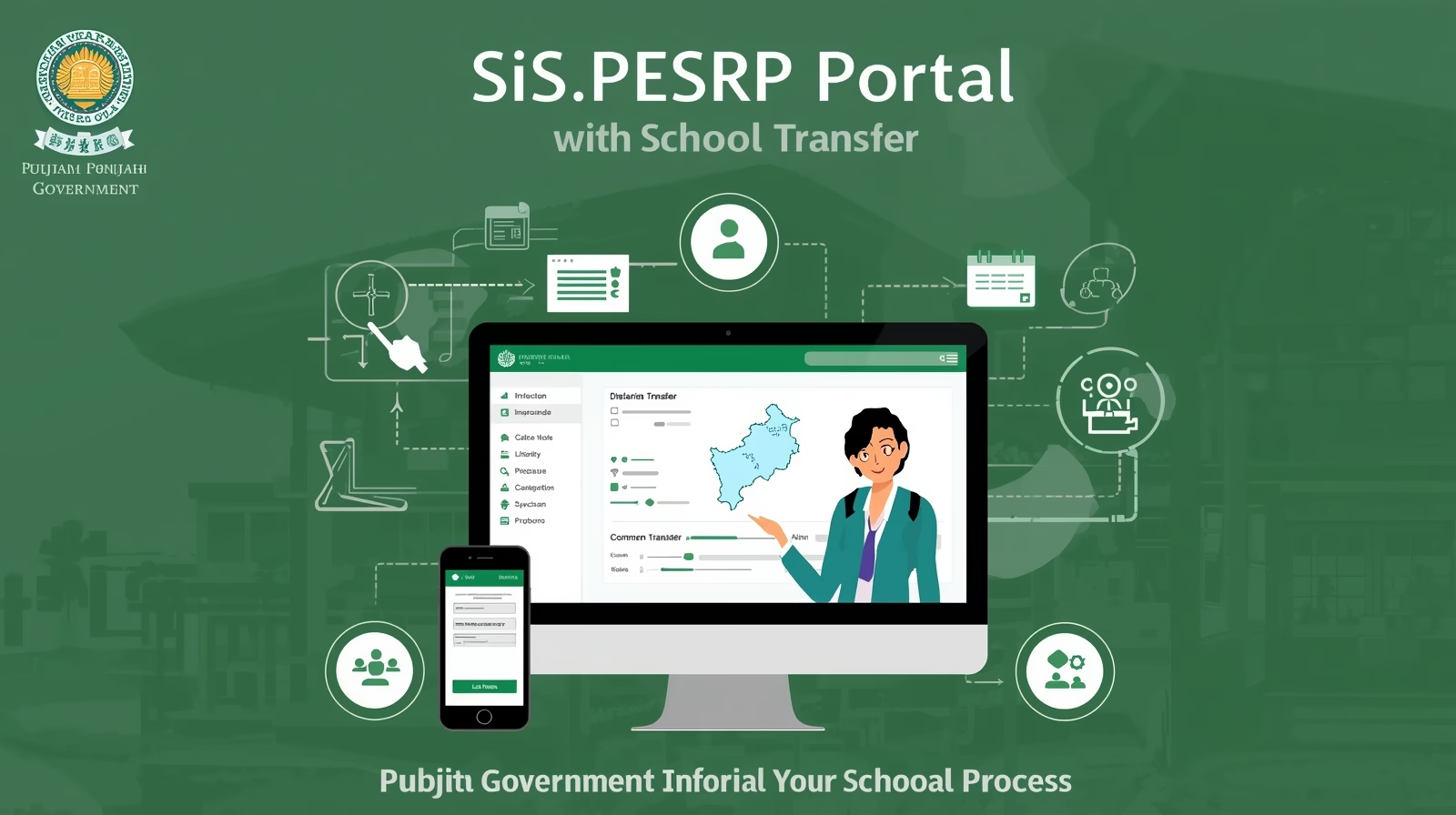
In this detailed guide, we explain the complete process of Government School Teacher Transfers in Punjab through the official SIS.PESRP Portal. The School Information System (SIS) — managed by the Punjab Education Sector Reform Program (PESRP) — allows government school teachers to apply for online transfers without the need for manual paperwork or department visits.
This system brings transparency, efficiency, and convenience to the transfer process, making it easier for teachers to apply from anywhere in the province. Whether you’re a male or female teacher, this tutorial will help you understand how to apply, track your status, and ensure a smooth transfer process through the SIS platform.
What is SIS.PESRP Portal?
The SIS (School Information System) is an online platform developed by the Punjab Information Technology Board (PITB) under the Punjab Education Department. The main purpose of the portal is to manage teacher data, school records, and staff transfers digitally.
Through this portal, teachers can:
- Submit transfer applications online.
- Check vacant posts available in other schools.
- Monitor application status in real time.
- Receive approval or rejection notifications digitally.
SIS.PESRP Portal Transfer Process Overview
Below is a quick overview of the transfer process for government school teachers in Punjab:
| Step | Process | Details |
|---|---|---|
| 1 | Login to SIS Portal | Visit sis.pesrp.edu.pk and log in with your School ID and password. |
| 2 | Go to Transfer Section | Select the “Teacher Transfer” option from your dashboard menu. |
| 3 | Check Vacant Posts | Browse available vacancies according to your preferred school, tehsil, or district. |
| 4 | Submit Application | Fill out your transfer form, select your desired post, and submit online. |
| 5 | Verification by Head Teacher | Your head of school will verify your application online through the SIS dashboard. |
| 6 | Forwarding to District Authority | After verification, the request goes to the DEO or CEO (Education) office for approval. |
| 7 | Approval and Notification | Once approved, you’ll receive an online confirmation and can download your transfer order. |
Eligibility Criteria for Teacher Transfer (2025)
Before applying for transfer through the SIS portal, teachers must ensure they meet the required eligibility conditions as defined by the Punjab School Education Department (SED).
| Category | Minimum Service Required | Remarks |
|---|---|---|
| Within District Transfer | 1 Year | Must have completed at least one year at the current posting. |
| Inter-District Transfer | 3 Years | Must obtain NOC and approval from both districts. |
| Mutual Transfer | No Time Restriction | Both teachers must agree and apply simultaneously. |
| Hardship Cases | Case-Specific | Health, family, or distance grounds may apply with documentary proof. |
How to Apply for Teacher Transfer via SIS Portal
Follow these step-by-step instructions carefully to complete your transfer request:
Step 1: Access the Portal
Open your browser and visit the official SIS Punjab Portal at sis.pesrp.edu.pk.
Step 2: Login Credentials
Enter your School EMIS Code and your personal password. If you do not have your credentials, contact your Head Teacher or IT focal person of your school.
Step 3: Go to the Transfer Section
Once logged in, select the “Teacher Transfer” option from your dashboard.
Step 4: View Vacant Posts
Check available vacancies within your district or nearby areas. The list is automatically updated and shows school name, post title, and distance.
Step 5: Fill Out Application Form
Provide accurate details such as your current posting, desired school, transfer reason, and personal details.
Step 6: Upload Required Documents
Attach scanned copies of your CNIC, service certificate, and other relevant documents (if applicable).
Step 7: Submit Application
After reviewing all details, click ‘Submit Application’. You’ll receive a confirmation message once your transfer request is submitted successfully.
Step 8: Verification Process
Your Head Teacher and District Education Authority will verify your information. If approved, your case will move forward to the Chief Executive Officer (Education) for final action.
Step 9: Check Transfer Status
You can track your application status anytime by logging into your SIS dashboard.
Important Guidelines for Applicants
- Ensure your profile on SIS is completely updated before applying.
- Only one transfer application can be submitted during an open transfer phase.
- Mutual transfers require both teachers to apply simultaneously.
- The system automatically rejects incomplete or invalid applications.
- Once approved, you can download your transfer order from the same portal.
- Always keep a print copy of your transfer order for record and school submission.
Also check: Punjab SED Rationalization 2025 – Apply Online at sis.pesrp.edu.pk
Helpline and Support
For any technical issues or login problems, teachers can contact the SIS Helpline or reach out to the District Monitoring Officer (DMO) for assistance.
SIS Helpdesk Email: support@sis.pesrp.edu.pk
Official Website: https://sis.pesrp.edu.pk
Conclusion
The SIS.PESRP Portal has completely transformed the traditional transfer process for Punjab government teachers. With just a few clicks, teachers can now apply for transfers, check available vacancies, and receive official approvals without delays or manual paperwork.
If you are a teacher looking to transfer schools in 2025, this is your go-to guide for a smooth, transparent, and efficient process. Always make sure your data is accurate and your documents are verified before submitting your transfer request.
Stay updated with the latest Education Department Notifications, Transfer Phases, and Online Guidelines by visiting the official SIS portal regularly.





One Comment