
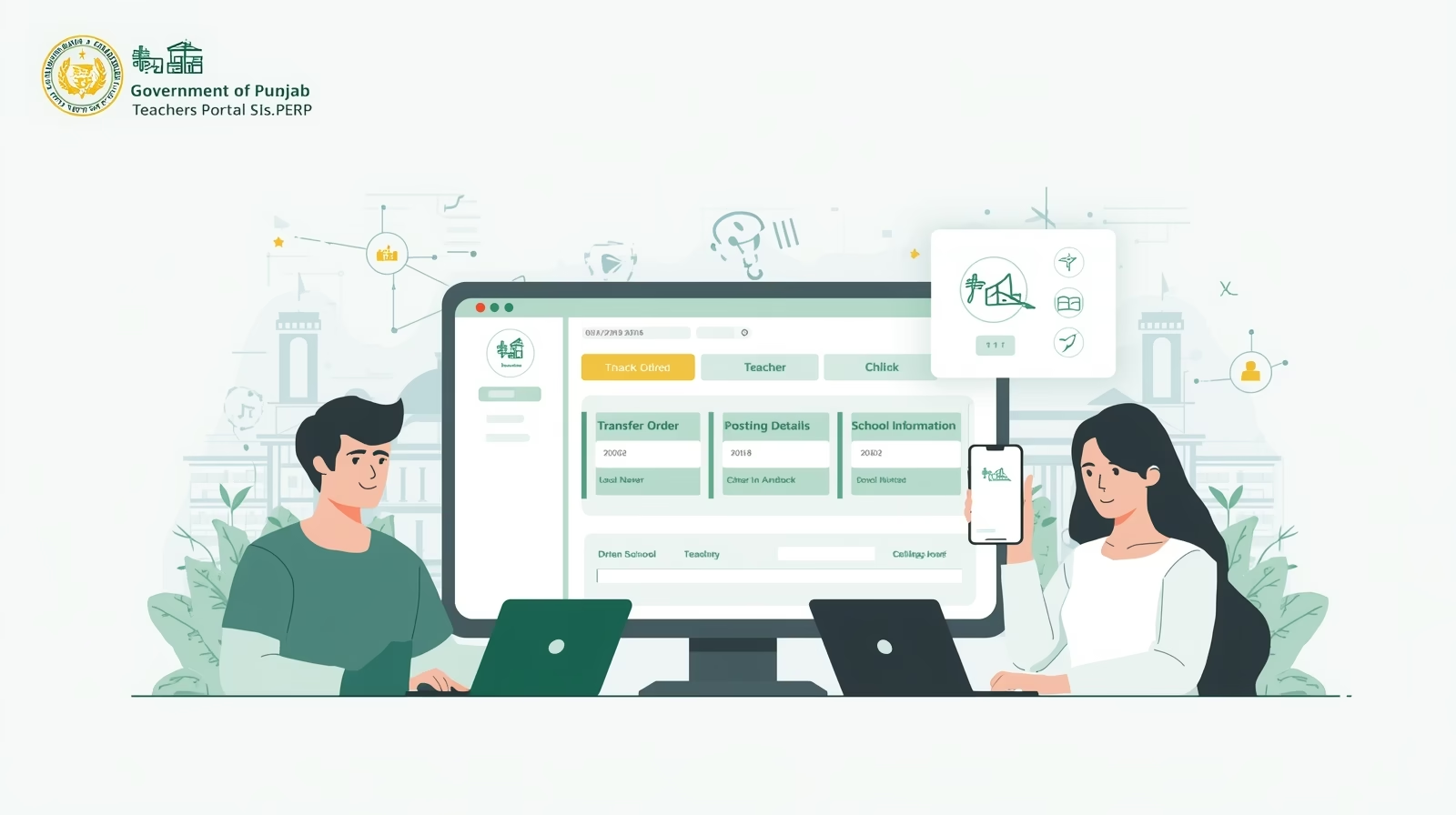
The Government Teachers Portal 2025 has officially launched for educators across Punjab, allowing them to easily access, review, and manage their transfer and posting details online through the School Information System (SIS) on the PESRP Punjab Portal. This digital platform, introduced by the Punjab School Education Department (SED), continues to modernize the provincial education system by promoting transparency, efficiency, and accessibility in teacher management processes.
This latest update enables teachers to check their transfer status, posting location, and rationalization details directly through the SIS portal without the need for manual applications or visits to education offices. The initiative aims to simplify administrative procedures, reduce delays, and ensure that the entire process remains merit-based and data-driven.
Overview – Government Teachers Portal 2025 (SIS.PESRP.Punjab)
- Portal Name: School Information System (SIS) – PESRP Punjab
- Department: School Education Department (SED), Government of Punjab
- Purpose: Online management of teacher postings, transfers, and school information
- Region: Punjab, Pakistan
- Availability: Open to all government teachers under SED Punjab
- Official Website: sis.pesrp.edu.pk
The SIS portal is part of the Punjab Education Sector Reform Program (PESRP), a government initiative designed to digitize and streamline operations within the education sector. Teachers can use the platform to update their profiles, track transfer applications, verify postings, and download transfer orders — all from the comfort of their homes.
Key Features of SIS.PESRP Portal 2025
The SIS Punjab Teachers Portal offers multiple user-friendly features that simplify daily administrative tasks and provide real-time updates to educators.
- Online Transfer & Posting Details:
View your latest posting information, school assignment, and transfer updates in one place. - Teacher Profile Management:
Update your personal and professional data, including qualifications, experience, and contact information. - Transfer Application Tracking:
Submit and monitor your transfer requests online, without the need for physical paperwork or department visits. - Rationalization Process:
View details related to teacher rationalization — ensuring fair and balanced staff distribution across schools. - Data Transparency:
All teacher-related data is verified and processed through official government systems to maintain fairness and accuracy.
How to Access Your Transfer Details on SIS.PESRP.Punjab
Follow the step-by-step process below to check your transfer or posting status using the Government Teachers Portal 2025:
- Visit the Official Website:
Go to sis.pesrp.edu.pk. - Login Credentials:
Enter your School EMIS Code and Password provided by the School Education Department. - Access Teacher Dashboard:
Once logged in, click on the “Teacher” section to view your personal profile and service details. - Check Transfer Status:
In the dashboard menu, open the “Transfer/Postings” tab to view the current status of your transfer application. - Download Transfer Orders:
If your transfer has been approved, you can download and print your official transfer order directly from the portal.
Important Notes for Teachers
- Ensure that all your profile data and documents are up to date before submitting transfer requests.
- Incomplete or incorrect information may result in delays or rejection.
- Keep checking the portal regularly for notifications and updates regarding ongoing transfer rounds.
- The system is available 24/7, but official updates are typically made during working hours.
- For assistance, contact your District Education Authority (DEA) or SED helpline.
Also check: Latest Update – Teacher Posting and Rationalization Process on SIS.PESRP Portal 2025
Benefits of the SIS.PESRP Punjab Portal
The Government Teachers Portal 2025 has made teacher management more transparent, efficient, and accountable. Below are some major benefits of this initiative:
- Eliminates Paperwork: All processes are online — no need for manual files or office visits.
- Promotes Fair Transfers: Ensures transparency through data-based decisions.
- Saves Time & Resources: Teachers can access transfer updates instantly.
- Enhances Efficiency: Helps SED maintain accurate teacher deployment records.
- Supports Education Reform: Strengthens the foundation of digital governance in Punjab’s education sector.
Frequently Asked Questions (FAQ’s)
Q1: What is SIS.PESRP.Punjab?
It is an official online portal developed under the Punjab Education Sector Reform Program (PESRP) to manage school and teacher data across the province.
Q2: Can teachers apply for transfers online?
Yes. Teachers can submit and track their transfer applications online through the SIS portal.
Q3: Do I need an EMIS code to log in?
Yes. Each teacher must use their school’s EMIS code and password to log into the portal.
Q4: Is the portal available for all districts in Punjab?
Yes, the system covers all districts under the Punjab School Education Department (SED).
Q5: How can I get technical support?
For technical or login issues, contact your District Monitoring Officer (DMO) or visit the nearest SED office for assistance.
Final Thoughts
The Government Teachers Portal 2025 via SIS.PESRP.Punjab is a remarkable step toward digital transformation in Pakistan’s education management system. By enabling teachers to view and manage their transfer details online, the Government of Punjab has not only simplified the process but also strengthened trust and accountability in public service.
Educators are encouraged to use the portal actively, keep their profiles updated, and monitor all notifications regarding upcoming transfer rounds and rationalization updates.





One Comment