
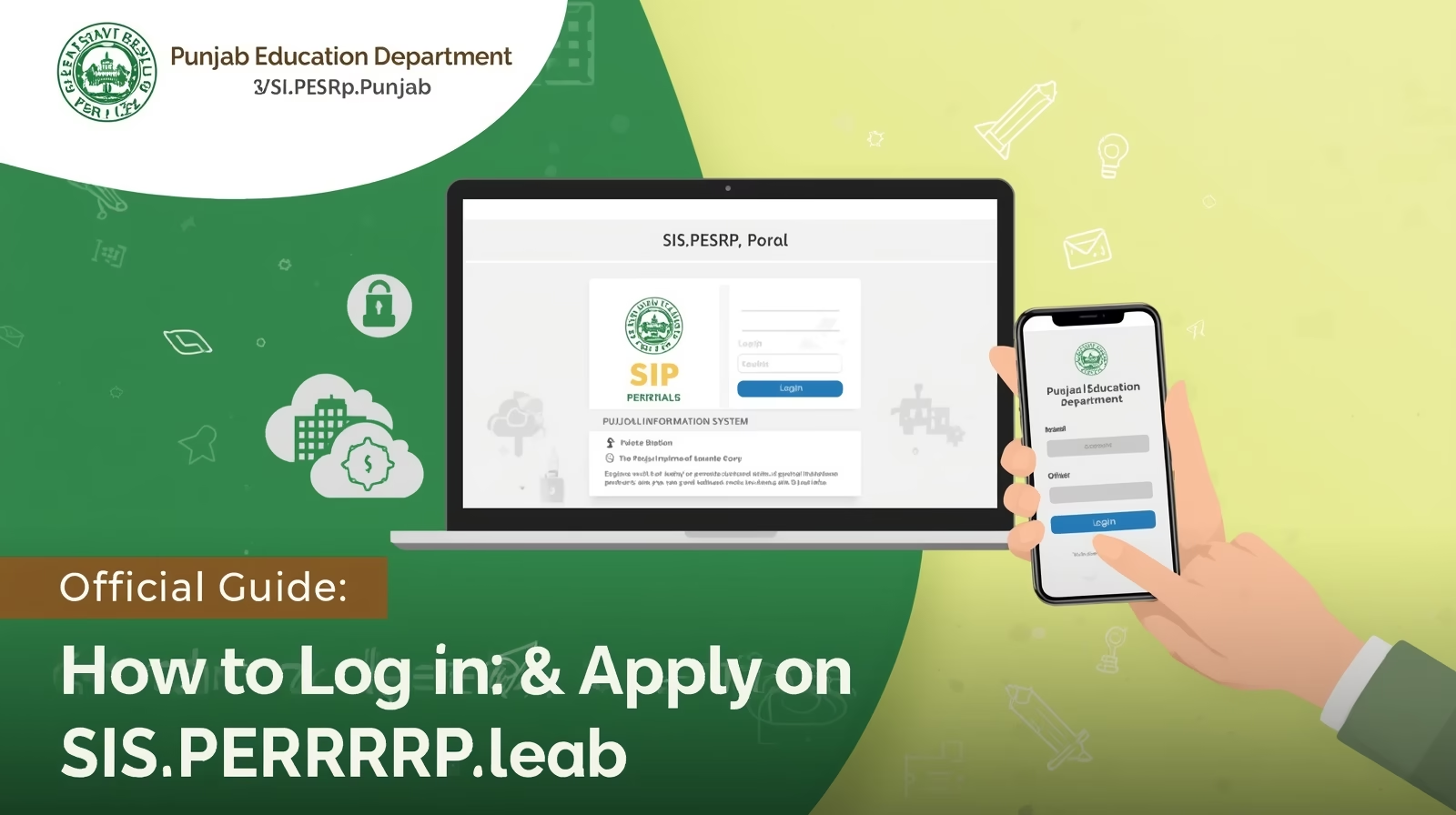
The Punjab School Education Department sis.pesrp.punjab, through the Punjab Education Sector Reform Program (PESRP), has introduced a centralized online system that allows government teachers to log in, manage their profiles, and apply for various education-related services — including transfers, promotions, and verification — directly through the School Information System (SIS) portal.
This platform is designed to make teacher management completely digital, transparent, and efficient for all government schools across Punjab.
Overview: SIS Punjab Online Application System
The SIS Portal (accessible at https://sis.pesrp.edu.pk) is the official online database for all teachers and schools operating under the Punjab School Education Department.
It enables registered teachers to check and apply for various updates, including Teacher Transfer 2025, service record verification, and vacancy tracking.
| Feature | Details |
|---|---|
| Portal Name | School Information System (SIS) |
| Managed By | Punjab Education Sector Reform Program (PESRP) |
| Department | School Education Department (SED), Punjab |
| Purpose | Online teacher data management and application system |
| Access Level | Individual teacher login using CNIC and password |
| Official Website | https://sis.pesrp.edu.pk |
Why You Need to Log In & Apply on SIS Portal
Keeping your SIS account updated is not just important — it’s mandatory for participation in official SED processes. Here’s why every government teacher must regularly log in and apply through the SIS portal:
✅ To submit applications for Teacher Transfer 2025
✅ To verify and correct personal and service data
✅ To view real-time vacancies across Punjab
✅ To ensure salary and HR data are correct
✅ To participate in promotion and posting rounds
The SIS portal acts as the official record for your teaching history — from your first appointment to your latest posting.
Step-by-Step Guide: How to Log In to SIS Portal
Follow these steps carefully to access your SIS account:
- Visit the Official Website:
Go to 👉 https://sis.pesrp.edu.pk - Click on “Login” Button:
You’ll find the login panel on the homepage. - Enter Your CNIC:
Type your CNIC number (without dashes) as your username. - Enter Password:
Use your registered password. If you’ve forgotten it, click on “Forgot Password” to reset via your registered mobile number. - Access Dashboard:
Once logged in, your personal profile, school information, and vacancy details will appear. - Check Data Accuracy:
Review your name, designation, qualification, service record, and posting history carefully. - Apply for Requests:
Use the relevant menu options such as Transfer Application, Profile Update, or Vacancy Check to submit your requests. - Save & Verify:
Always ensure your profile shows “Verified” status before applying for any transfer or post.
Also check: Teacher Data & Vacancy Check 2025 – Through sis.pesrp.punjab Portal
How to Apply for Teacher Transfer or Other Requests on SIS
Once logged in, here’s how you can submit an official application:
- Go to the Application Section in your dashboard.
- Choose Transfer / Promotion / Update as per your need.
- Fill out all required details (school preference, EMIS code, designation, etc.).
- Upload necessary documents if required.
- Submit your request and note down your Application Number.
- Wait for approval from your AEO, Dy. DEO, or CEO Education Office.
- Track your application status under the “Application History” tab.
Key Application Categories on SIS
| Category | Description |
|---|---|
| Profile Update | Modify or verify personal details and service data |
| Teacher Transfer | Apply for mutual or general transfer between schools |
| Vacancy Check | View available seats across schools and districts |
| Service Record | Review your posting history and designations |
| Promotion Request | Apply for promotion based on eligibility |
| Verification Status | Check if your data is approved by SED officials |
Common Login or Application Issues
| Problem | Cause | Solution |
|---|---|---|
| Unable to log in | Wrong CNIC or password | Reset password via “Forgot Password” |
| Data not showing | Outdated profile | Contact school head or district IT focal person |
| Application not submitting | Missing data or verification | Ensure your profile is “Verified” |
| No vacancies visible | Transfer phase not active | Wait for the next official phase announcement |
| Error during upload | Large file size | Compress or upload smaller file format |
Important Notes for 2025 Applicants
📌 The Teacher Data Verification Phase opens before the official transfer schedule.
📌 Only verified profiles will be eligible for Teacher Transfer 2025.
📌 All data and vacancy lists are updated daily during open transfer sessions.
📌 Keep your service book, CNIC, and school documents ready before applying.
📌 Stay connected with your AEO or Head Teacher for application approval updates.
Contact & Support
If you face any technical issues during login or application submission, contact the official support channels:
| Department | Contact Info |
|---|---|
| SED Helpline (PESRP) | 042-99260132 |
| Official Portal | https://sis.pesrp.edu.pk |
| Email Support | support@pesrp.edu.pk |
| Local Help | Contact your CEO (Education) Office or District IT Focal Person |
Final Thoughts
The SIS Punjab Online Application System 2025 represents a major digital transformation in Punjab’s education sector.
By logging in regularly and keeping your data verified, you ensure smooth participation in all official SED processes — from transfers and promotions to performance tracking.
Teachers are the foundation of Punjab’s education system, and this transparent online portal ensures every teacher’s record, effort, and eligibility are managed with fairness and accuracy.
Keep visiting for the latest SIS updates, transfer news, and step-by-step guides!


2 Comments