
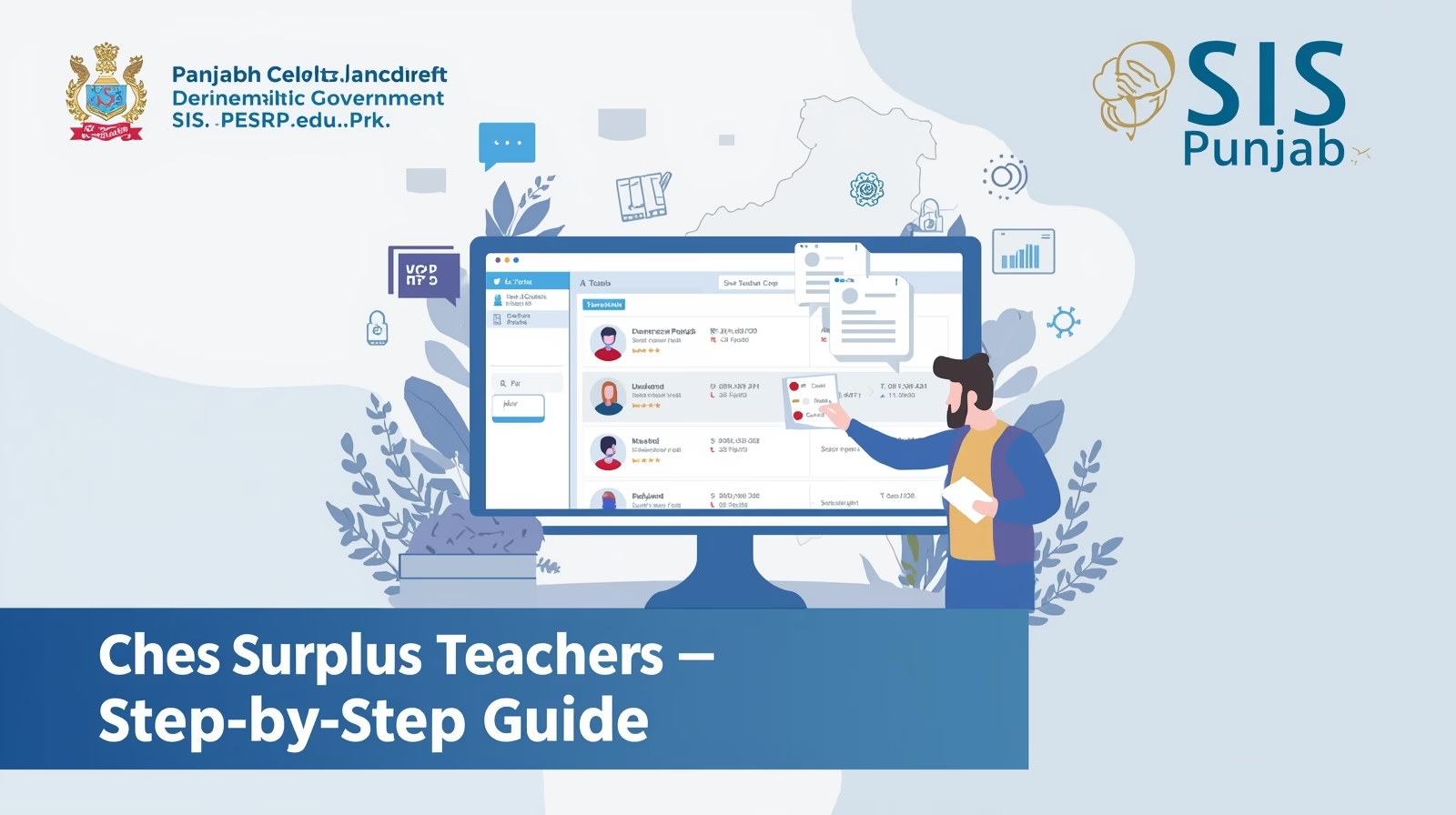
The School Information System (SIS), launched under the Punjab Education Sector Reform Program (PESRP) has completely digitized teacher management across Punjab’s public schools. One of its most important features is the Surplus Teacher Identification System, available on the official website sis.pesrp.edu.pk.
Through this online platform, school heads, education officers, and teachers can easily check surplus teacher lists, identify vacant posts, and manage transfers or adjustments based on real-time data. This digital transformation aims to ensure that every school has an adequate number of teachers according to student strength, subjects, and sanctioned posts.
If you’re a government school teacher or an education department official in Punjab, this detailed step-by-step guide will help you check and verify surplus teacher data using the SIS Punjab portal efficiently.
About SIS Punjab Portal (PESRP)
The SIS Punjab Portal (School Information System) is an official online platform developed by the Punjab Education Department under the Punjab Education Sector Reform Program (PESRP).
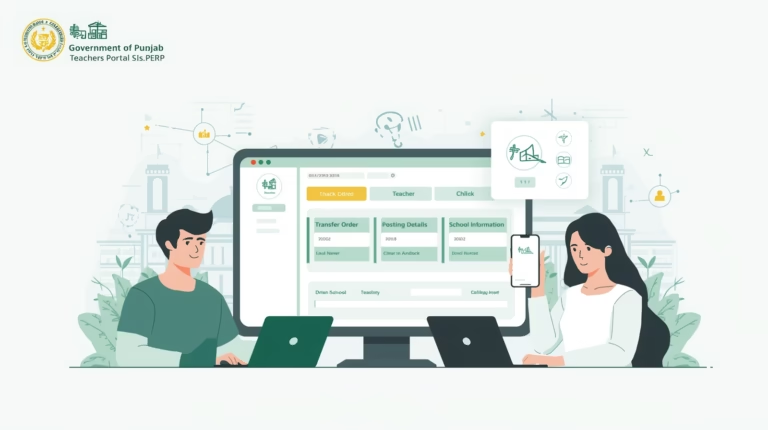
It allows users to manage teacher profiles, view school data, apply for transfers, and check real-time information about vacancies, enrollments, and surplus teachers across the province.
By integrating technology into education management, SIS Punjab ensures transparency, efficiency, and accountability in teacher deployment and resource allocation.
What Is a Surplus Teacher?
A surplus teacher is a government school teacher who is posted in a school where the number of teachers exceeds the required strength based on enrollment and subject needs.
For example, if a high school requires only three science teachers but has five currently posted, two teachers will be categorized as “surplus.” These teachers may later be adjusted or transferred to schools facing staff shortages.
This mechanism helps balance the distribution of teachers across all schools in Punjab.
Why Surplus Teacher Data Matters
The Surplus Teacher Module on the SIS portal serves several important purposes:
- Ensures fair distribution of teachers according to actual school needs.
- Helps school heads and DEOs identify surplus or deficit positions.
- Allows the Punjab Education Department to make data-driven transfer decisions.
- Improves student–teacher ratios for better learning outcomes.
- Reduces administrative workload by digitizing manual recordkeeping.
Step-by-Step Guide: How to Check Surplus Teachers on SIS.PESRP.edu.pk
Follow these steps carefully to view or verify surplus teacher data on the official SIS Punjab website.
Step 1: Visit the Official Website
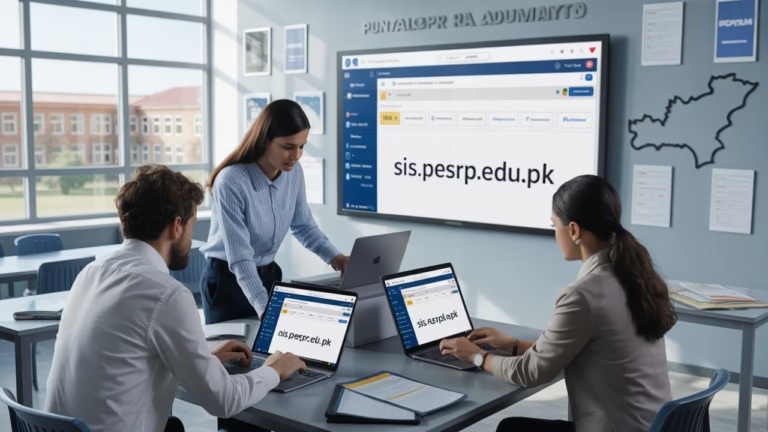
Open your browser and go to the official portal:
🔗 https://sis.pesrp.edu.pk
Step 2: Log In to Your SIS Account
- Click on the Login button at the top right corner.
- Enter your Username and Password (provided by the Punjab Education Department).
- Click Sign In to access your school dashboard.
If you don’t have login credentials, contact your District Education Officer (DEO) or School Head to obtain them.
Step 3: Navigate to the “Teacher Data” Section
Once logged in, locate and click on “Teacher Data” or “School Staff Information.”
This section contains a detailed list of all teachers currently posted in your school, including their designations and subjects.
Step 4: View Surplus/Deficit Status
In the teacher list, you’ll find columns labeled “Required Teachers”, “Available Teachers”, and “Difference.”
- If the difference value is positive (+), it means your school has surplus teachers.
- If the difference value is negative (–), it indicates a shortage of teachers.
You can also download or print this data for recordkeeping.
Step 5: Check Individual Teacher Status
Each teacher’s name will be accompanied by their employment status, subject, and posting type.
If marked as “Surplus,” that teacher may be transferred or adjusted during the upcoming Teacher Transfer 2025 phase.
Step 6: Cross-Verify Information
Ensure all records are accurate. If there are discrepancies (such as incorrect subject entries or missing teachers), school heads should immediately report them through the SED Complaint System or District Monitoring Office.
Important Tips for Teachers and School Heads
- Regularly update teacher data on SIS to ensure accuracy.
- Before transfer rounds, check your surplus/deficit list early to avoid delays.
- Only the school head (Principal or Head Teacher) can update or confirm data on SIS.
- Use official credentials—avoid logging in from unauthorized sources.
- Keep printed copies of your latest SIS reports for reference.
Also Check: Official Guide: How to Log In and Apply on sis.pesrp.punjab
Contact and Support Information
For queries, data corrections, or technical issues, teachers can contact the Punjab Education Department Support Desk through official channels:
- 📧 Email: support@sis.pesrp.edu.pk
- 🌐 Website: https://sis.pesrp.edu.pk
- ☎️ Helpline (for DEOs & AEOs): Provided within the SIS dashboard
FAQs – Checking Surplus Teachers on SIS Punjab
1. Who can check surplus teacher data?
Both school heads and teachers can access the data through the SIS portal, but only school heads can make edits.
2. What happens if I am marked as surplus?
You may be considered for adjustment or transfer to a nearby school that has a shortage of teachers during the official transfer window.
3. Can I appeal if my status is incorrect?
Yes. You can contact your DEO or file a complaint through the SED support system for review.
4. How often is surplus teacher data updated?
The data is updated regularly by the Punjab Education Department, especially before transfer phases.
5. Is SIS accessible on mobile devices?
Yes, you can also use the SIS Punjab mobile app available on Android for quick access to your data.
Conclusion
The Surplus Teacher Checking System on sis.pesrp.edu.pk is an essential digital tool for ensuring fair and transparent teacher distribution across Punjab. By following the above steps, educators can easily access accurate information about surplus or vacant positions in their schools.
This initiative by the Punjab School Education Department (SED) and PESRP marks another step toward digital governance, transparency, and equitable education resource management.
Quick Summary
| Feature | Details |
|---|---|
| Portal Name | School Information System (SIS) |
| Department | Punjab School Education Department |
| Program | Punjab Education Sector Reform Program (PESRP) |
| Purpose | To identify and manage surplus/deficit teachers |
| Official Website | https://sis.pesrp.edu.pk |
| Accessibility | Web & Mobile App |
| Region | Punjab, Pakistan |




One Comment