

The School Education Department, Government of Punjab, has officially released the 2025 Teacher Transfer & Posting Details through the SIS.PESRP Portal. All government school teachers across Punjab can now check their posting status, transfer updates, rationalization movement, and school placement online by logging into the SIS portal.
This update is part of the Punjab Government’s ongoing efforts to ensure transparent teacher placement, fair transfers, and balanced teacher-student ratios across all districts and tehsils. Teachers are strongly advised to check their updated status and verify their information on the portal before the transfer schedule concludes.
Coverage Area
All public school teachers under:
- Punjab Government Schools
- District Education Authorities (DEAs)
- Primary, Middle, High & Higher Secondary Schools
Eligible teachers from all 36 districts of Punjab can check postings, including cities like Lahore, Faisalabad, Rawalpindi, Multan, Bahawalpur, Gujranwala, Sargodha, Sialkot, DG Khan, and others.
Purpose of Portal Update
| Objective | Detail |
|---|---|
| Teacher Placement | Posting teachers where required the most |
| Transparency | Online merit-based transfers |
| Rationalization | Balancing staff according to enrollment |
| Digital Governance | Elimination of manual paperwork |
| Performance Focus | Ensuring qualified teachers reach need-based schools |
The government aims to maintain fairness, transparency, and equal opportunity for teachers across Punjab.
What You Can Check on SIS.PESRP Portal
| Service | Details |
|---|---|
| Posting Status | Check your assigned school |
| Transfer Order | Download and print online |
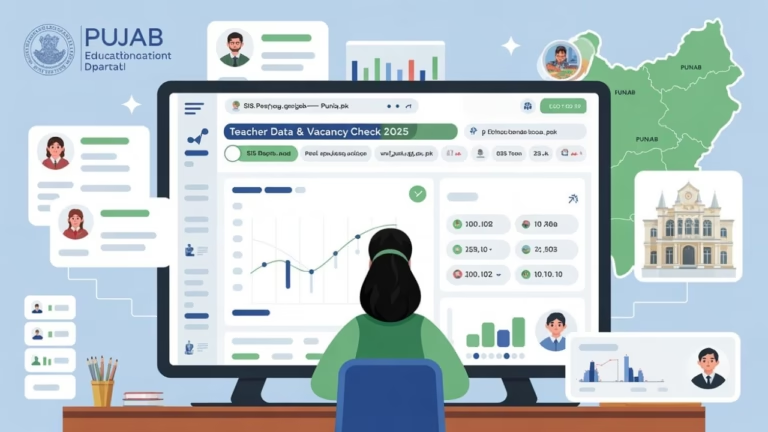
| Vacancy Details | View vacant positions across Punjab |
| Rationalization Movement | Track transfers based on need |
| Teacher Profile | Personal & service record verification |
| Seniority & Category Info | Check eligibility ranking |
Who Should Check the Portal?
- Teachers awaiting transfer orders
- Teachers under rationalization
- Promoted teachers awaiting adjustment
- Mutual transfer applicants
- Teachers with hardship/station change requests
All staff must verify their details to avoid posting issues.
Important Timeline
| Activity | Status |
|---|---|
| SIS Portal Update | ✅ Open |
| Teacher Verification | ✅ Required |
| Posting View & Download | ✅ Available |
| Final Orders | As per official schedule |
Note: Only online posting data will be considered valid — no manual changes allowed.
How to Check Your Posting on SIS Portal
Follow these steps:
- Visit SIS.PESRP Portal
- Enter your CNIC / SIS Login ID & password
- Go to Transfer / Posting Status
- View your school placement or update remarks
- Download order if available
You may also use the SIS Punjab Mobile App for quick access.
Help & Support
If you face any issues, contact:
- Head Teacher / School Head
- District Education Authority (DEA)
- SIS Help Desk / IT Support Cell
Conclusion
The SIS.PESRP Portal 2025 transfer and posting update marks another step toward modernizing teacher management, ensuring educational fairness, and improving school staffing structure across Punjab. All teachers are urged to check postings on time and stay updated through official channels.
Also check: Teacher Transfer & Posting System 2025 — Apply & Check Online via SIS.PESRP
FAQs
Q1: How do I check my posting status?
Log in to the SIS Punjab Portal or SIS mobile app and open the transfer/posting tab.
Q2: Can I get my order manually?
No, all transfer orders are issued online only.
Q3: Who is included in this update?
All Punjab government school teachers under DEA.
Q4: Can I request changes after posting?
Changes depend on policy — check with the SIS portal & DEA.
Q5: What if my data is wrong?
Immediately contact your school head or district office for correction.


3 Comments